
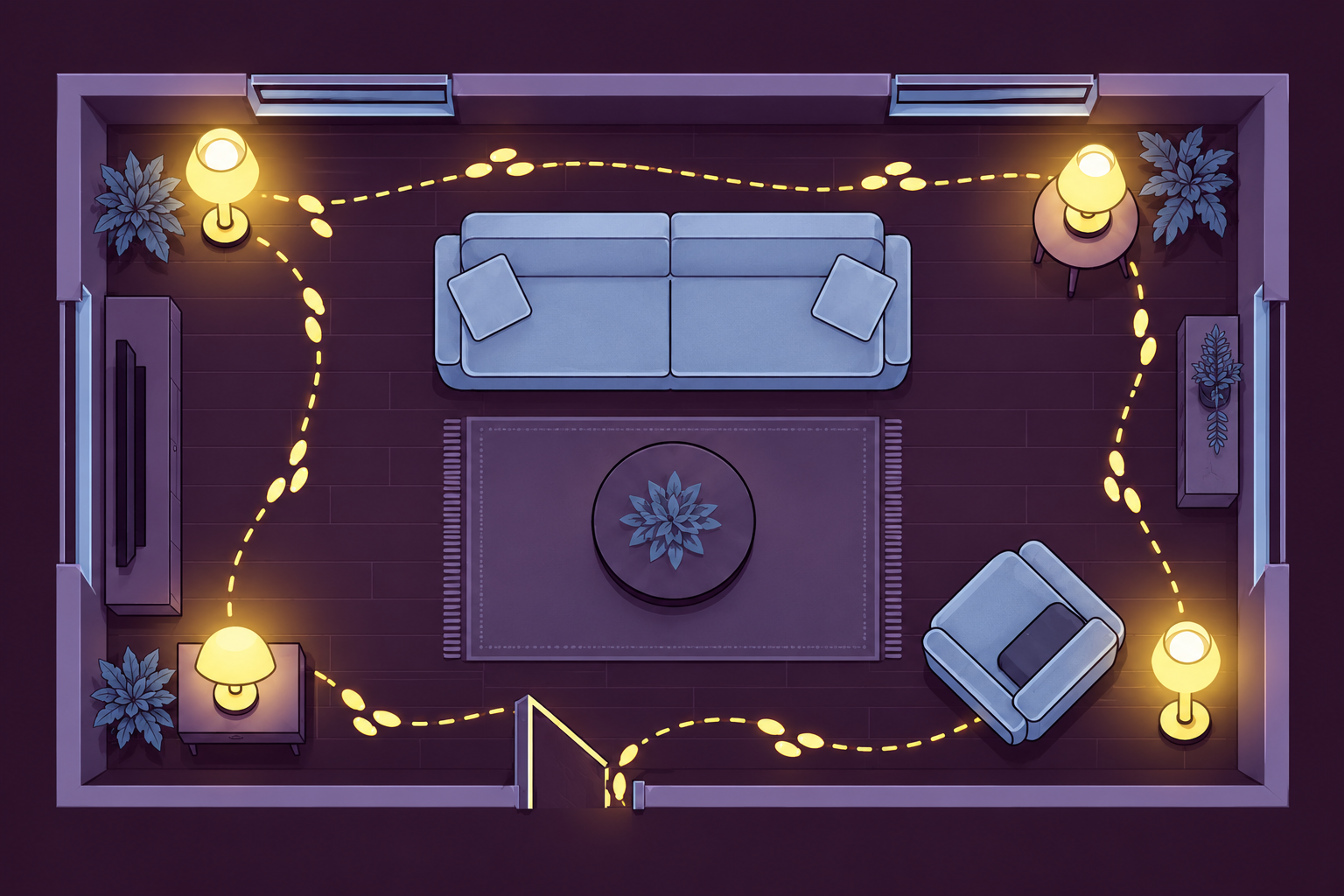
The room finally looks how you want it. A little light beside the sofa, another in the corner, a warm glow across the room.
Then bedtime comes, and you’re doing a small walking tour to turn everything off.
You don’t necessarily need new lamps. You need to decide how you want to control the ones you’ve got. Start with three questions:
- Do you want a physical button, or are you happy using your phone?
- Do you only need on and off, or do you want to dim the lights too?
- Are you keeping ordinary bulbs, or willing to replace them with compatible smart bulbs?
Those answers narrow the options much faster than searching for “smart lighting.”
The quick choice
Keep things ordinary if a couple of accessible switches or an existing switched outlet would be enough.
Choose a compatible bulb-and-remote system if you want a physical button and control over the light itself, such as dimming.
Consider individual smart plugs if you like your current lamps and bulbs and mainly want grouped on/off control. First, check that each lamp actually comes back on when power returns.
That last detail matters more than the word “smart” on the box.
1. Keep the ordinary switches, but make the routine easier
Before buying controls for every lamp, decide which lights you actually want on together. Maybe the floor lamp and the lamp beside the sofa do most of the work. The small decorative light doesn’t have to join them every night.
If the room itself still feels awkward, the living-room finishing guide is a useful companion. This guide focuses on controlling the lamps, rather than choosing where every piece of furniture belongs.
Look at the switches you already have. Can you reach them comfortably? Does an existing wall switch control the outlet supplying one of the lamps?
A switched outlet can already do the simple job of controlling a suitable lamp from the wall, provided the lamp’s own switch is left on and the lamp resumes lighting when power returns. It won’t magically control lamps on other outlets.
Keep lamps where their cords reach safely. Moving a lamp closer to a useful outlet can make more sense than adding equipment, but running a cord across a walking route is not a solution.
Choose this route when: You want fewer steps without an app, account, hub, or new bulbs. It may simplify the routine without turning every light into one group.
2. Use compatible smart bulbs with a physical remote
This is the route to consider if your ideal evening involves pressing a button rather than finding your phone.
The remote sends a command to compatible lights. It doesn’t have to cut their electricity to turn the visible light off. That means the lamps supplying those bulbs need to remain powered for remote control to work. Switching a lamp off at its ordinary switch cuts that connection.
You still need to check the bulb’s base, dimensions, fixture suitability and electrical requirements. A bulb fitting in the socket isn’t the whole compatibility check. In particular, don’t assume a smart bulb will work correctly with an existing dimmer or a touch-dimming lamp.
One documented example: Philips Hue Dimmer Switch
For the Hue Dimmer Switch listed as model 046677562779, Philips Hue’s current FAQ describes connecting to up to 10 Hue lights without a Bridge. A Hue Bridge is required to customize how the switch controls your lights, according to its customization FAQ. Check the setup instructions for your exact bulb-and-switch combination before buying. This is a compatible Hue-light setup, not a universal remote for ordinary bulbs or other brands. Check the instructions for the exact bulbs and switch you choose. Philips Hue product information
A physical remote can make everyday use phone-free without making every possible setup or feature app-free. Basic control, customized buttons, schedules and control away from home are different requests. Check which ones require a hub and app before choosing a kit.
Choose this route when: A physical remote and compatible dimming matter more to you than keeping the existing bulbs.
3. Keep the bulbs and use individual compatible smart plugs
A smart plug controls the electricity reaching the lamp. It doesn’t reach inside and press the lamp’s own button.
That makes the lamp’s behavior important. An ordinary mechanical on/off switch that stays in its on position is a promising starting point. A lamp with touch controls or an electronic button needs a closer check.
Ask the lamp manufacturer, or check its instructions: when power is restored, does the lamp light up, or wait for another button press?
If it waits for you to press its button, switching the plug on won’t finish the job. Don’t buy a roomful of plugs assuming every lamp behaves the same way.
The plug also needs to be suitable for that lamp’s electrical load and intended location. Follow both manufacturers’ instructions. An ordinary on/off smart plug doesn’t add dimming; that requires a specifically compatible dimming solution.
One documented example: Kasa KP125M
Kasa lists grouped control and scenes for the KP125M. Its US datasheet specifies 2.4 GHz Wi-Fi and a Kasa app/account setup route. This is an app-based option, not a package that supplies a handheld lighting remote. Kasa product information and US datasheet
Don’t confuse that setup with adding it to a separate Matter ecosystem. TP-Link says most third-party Matter-app setups require a compatible controller, which may be built into another device. Check the requirements for the platform and features you intend to use. TP-Link Matter setup guide
Use a suitable plug for each compatible lamp, rather than trying to connect a roomful through one strip. TP-Link specifically warns against power-strip and extension-cord arrangements with its smart plugs because of overload risk. Follow the exact product’s placement and load instructions. TP-Link safety FAQ
Choose this route when: You want grouped on/off control while keeping compatible lamps and ordinary bulbs, and you’re comfortable with the required app setup.
The wall-switch catch
Check whether any outlet you plan to use is controlled by a wall switch.
If someone switches that outlet off, a smart plug connected there loses power. A smart bulb in a lamp powered by that outlet loses power too. Neither can respond normally while its supply is off.
Make the everyday controls clear to everyone using the room. Don’t disable safety controls or change wiring to make the setup work. If the solution would require electrical alterations, that is a separate job for a qualified electrician, not part of this guide.
Start with the awkward lamp
You don’t have to convert the whole room at once.
Start with the lamp that’s hardest to reach. Confirm compatibility and the control method before expanding. Once it’s set up according to its instructions, check that you can turn it on, turn it off and use the controls comfortably. Then decide whether you want other lamps in the same group.
The goal is a room you enjoy using. If the new setup gives you a longer nightly routine than the old switches did, it’s worth simplifying it.