
Short answer: A large percentage-off label is not enough to decide whether a purchase is good value. Check the exact item, the price used for the comparison and what you will actually pay. Then ask whether you wanted it before you saw the offer.
This is a way to evaluate a deal, not a claim about any particular retailer or a list of current discounts. The numbers below are hypothetical.
1. Make sure you are comparing the same thing
Write down the model number, size or capacity, color, pack quantity and condition. Check what is included. A tool with a battery is not the same bundle as the tool alone. A smaller bottle, older model or refurbished unit may have a different price for a reason.
Use this quick identity line: brand + model + variant + quantity + condition + included extras. If a listing leaves one of those unclear, resolve it before treating another listing as a direct comparison.
2. Find out what the percentage is measured against
A displayed reduction needs a starting price. Look for the label beside it, such as list price, suggested retail price or previous price, and read any explanation provided. These labels describe different comparison bases; a reference price alone does not tell you what other sellers charge today.
Do not assume the struck-through figure is a price you would otherwise have paid. Equally, a difference between that figure and another seller’s price does not, by itself, establish that a retailer has done something dishonest. Keep the comparison precise.
3. Check the math, then choose the useful comparison
The calculation is: (starting price − offer price) ÷ starting price × 100.
| Comparison | Calculation | Reduction |
|---|---|---|
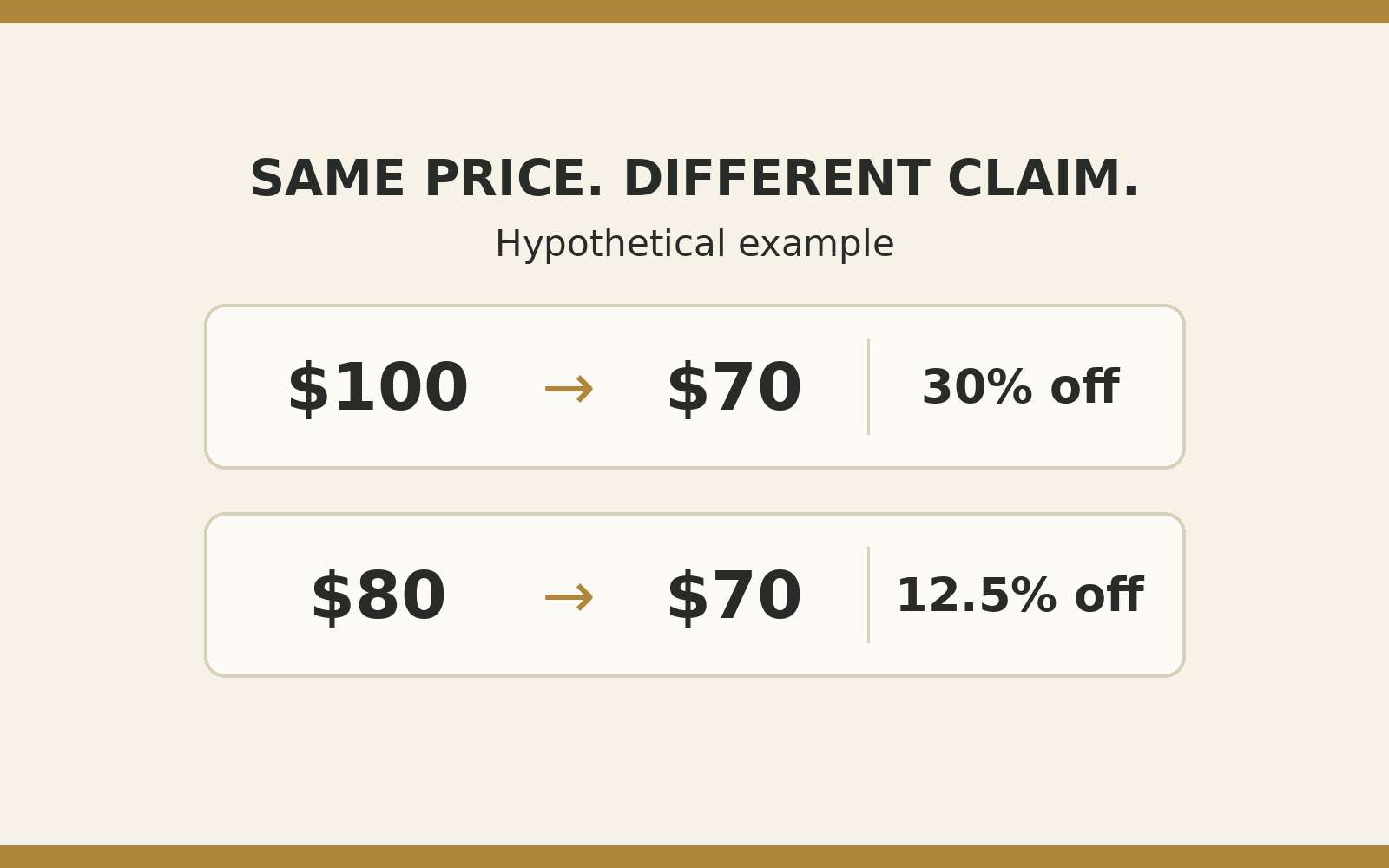
| $100 reference price to $70 | ($100 − $70) ÷ $100 × 100 | 30% |
| $80 alternative price to $70 | ($80 − $70) ÷ $80 × 100 | 12.5% |
Both calculations are correct for their stated starting prices. They answer different questions. The first measures the offer against $100. The second shows the $10 difference from an $80 alternative. Neither proves a historical low.
If the $80 alternative is available to you for the identical item on comparable terms, that may be the more useful comparison for today’s decision. If you cannot verify a comparison price, write “comparison not verified” rather than filling the gap with a savings claim.
4. Compare the checkout total and the conditions
The FTC’s online-shopping guidance recommends comparing product details and the full cost, including shipping and fees, and reading offer terms and delivery information. It also advises checking return deadlines, return-shipping responsibility and possible restocking fees. A clearance item may have different return rules. Use those details alongside the advertised price, not after you have committed to the purchase.
For your own comparison, note the total for the quantity you need, including applicable tax. Check whether the offer requires a clipped coupon, membership, subscription, minimum spend or a particular payment method. Do not count a benefit you are not eligible to use.
If joining a service is part of the decision, separate that cost from the item discount. The guide to deciding whether you need Prime for holiday shopping offers a starting point for that separate question. Verify current terms before joining.
5. Use a simple buy, wait or skip test
- Buy: You need the item, the exact version fits, the total is within your budget and the terms work for you.
- Wait: A model detail, comparison price or important condition is still unclear, and there is no urgent need.
- Skip: The discount is the main reason you want it, or the purchase creates a cost or commitment you do not want.
A countdown does not answer any of those questions. An offer can end without becoming the right purchase for you.
Save this deal-check note
Exact item: ____
Reference price and its label: ____
Comparable available option: ____
Total payable: ____
Coupon, membership or subscription conditions: ____
Delivery and return terms: ____
Decision: buy / wait / skip
Decide and done: Choose the purchase that fits the need and the real total, not the biggest percentage on the screen.